To reorder at a better price on the Amazon app, check your order history for past purchases and note when prices drop. Use third-party tools or manually compare current prices to identify good reorder opportunities. Add items to your wish list or cart and enable deal alerts for price drops. Monitor price fluctuations over time and plan your reorder during discounts or seasonal sales. Keep exploring to discover more tips for smarter reordering.
Key Takeaways
- Review your order history to identify items now available at lower prices.
- Add frequently purchased items to your wish list or cart to monitor price changes.
- Enable price drop alerts on saved products for timely notifications.
- Use external price tracking tools alongside Amazon data for optimal reorder timing.
- Reorder strategically during sales or after price drops to maximize savings.
Reordering items on Amazon can save you money, especially if you know how to take advantage of the app’s features. One of the most useful tools is price tracking, which helps you monitor fluctuations in item prices so you can buy when the cost drops. When you access your order history, you can see past purchases and identify patterns or discounts you might have missed. Combining these features allows you to make smarter decisions about when to reorder, ensuring you get the best deal possible.
Reordering on Amazon saves money by tracking prices and reviewing purchase history for smarter, cost-effective decisions.
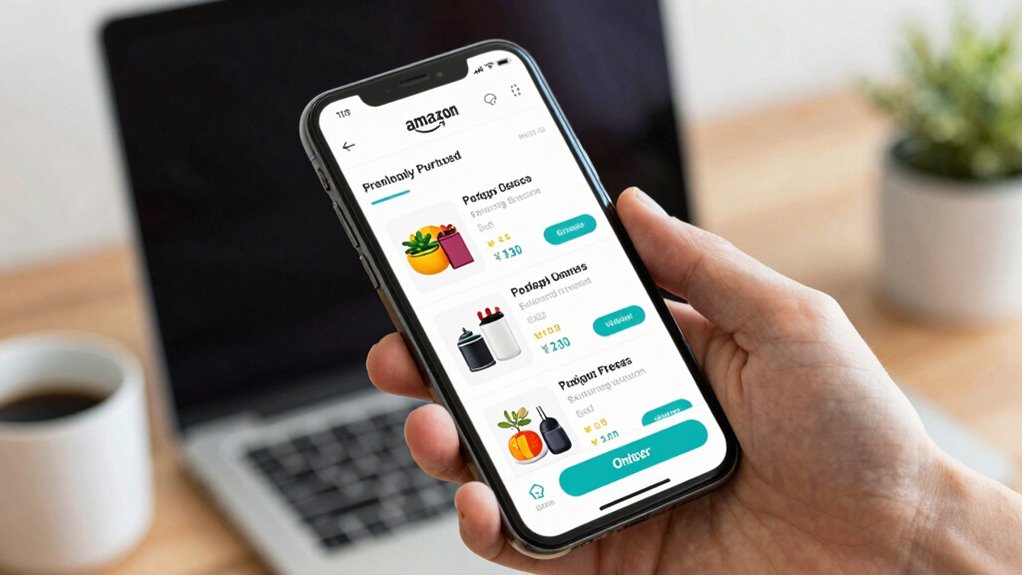
Start by opening the Amazon app and browsing to your account. From there, go to your order history. This list shows every item you’ve purchased, along with the purchase date and the current price. If you notice that an item you’ve bought before is now cheaper, you can decide to reorder it now or wait for a further price drop. The order history also helps you keep track of how often you’ve purchased specific items, which is useful if you’re trying to manage your expenses or stock up in advance. Additionally, price fluctuations can be a helpful concept to understand when planning your reorders effectively.
Next, use the app’s price tracking capabilities. While Amazon doesn’t have a dedicated price tracking feature built into the app itself, you can leverage third-party tools or browser extensions that alert you when prices drop. However, within the app, you can manually check for price changes by searching for the item again and comparing the current price to your previous purchase. If the price has decreased, it’s an excellent opportunity to reorder at a lower cost. If it’s higher, you might choose to wait or look for similar items that are more affordable. Recognizing patterns in pricing and discount timing can help you optimize your reordering strategy.
Another smart move is to set up notifications for deals on frequently purchased items. Amazon allows you to add products to your wish list or shopping cart and then monitor their prices. When a price drop occurs, you’ll receive a notification if you’ve enabled alerts, letting you act quickly. Regularly reviewing your order history also helps you spot seasonal discounts or flash sales that could substantially reduce costs on reorders. Additionally, understanding home theater projector features and pricing trends can help you make more informed purchasing decisions, especially for tech-related items.
Finally, combine the insights from your order history with price tracking tools outside the app to time your reorders precisely. By paying close attention to past purchase patterns and current prices, you can reorder essentials at the most advantageous times, saving money over time. Using these features together makes reordering not only convenient but also cost-effective, helping you stay within your budget while still getting what you need from Amazon.

XANGNIER Window Track Cleaning Tools,Window Sill Cleaner Tool Kit,10 Pcs
- Multi-purpose Cleaning Set: Includes brushes, sponges, and dustpan
- Deep Cleaning Without Dead Ends: Covers windows, corners, and tracks thoroughly
- Ergonomic Window Sill Cleaner: Non-slip handle with removable scrub sponge
As an affiliate, we earn on qualifying purchases.
As an affiliate, we earn on qualifying purchases.
Frequently Asked Questions
Can I Set up Automatic Reordering on the Amazon App?
Yes, you can set up automatic reordering on the Amazon app. You’ll receive product alerts and reorder reminders, ensuring you never run out of essentials. To do this, visit your order history, select the item, and choose “Subscribe & Save” or “Reorder.” This way, the app automatically manages your reorders, saving you time and money, and keeps you updated with timely product alerts and reminders.
Does Reordering Through the App Offer Exclusive Discounts?
Reordering through the Amazon app can offer you exclusive deals and app discounts, especially if you subscribe to Subscribe & Save or check for special promotions. Amazon often provides members with discounts not available elsewhere, helping you save money. Keep an eye on product pages for limited-time offers or app-exclusive deals, making your reordering process both convenient and budget-friendly.
How Do I Track My Reorder History in the App?
You can easily track your reorder history in the Amazon app by tapping the menu icon and selecting “Your Orders.” From there, you’ll see your complete order history, including past reorders. Use the “Reorder tracking” feature within each order to monitor shipping progress. This way, you stay updated on your reorders, making it simple to manage and reorder your favorite items efficiently.
Are There Any Fees for Reordering Items via the App?
Did you know Amazon’s reordering system saves customers over 20% on average? When you reorder via the app, there are typically no additional fees, but keep in mind that shipping fees may apply depending on your Prime membership status or the item’s delivery options. Amazon’s pricing strategies aim to keep reordering affordable, so you usually won’t face hidden costs—just check your order details for any applicable shipping charges.
Can I Change the Delivery Address for a Reorder?
Yes, you can change the delivery address for a reorder. After placing the order, go to the Amazon app, find your order, and select “Change Delivery Address” before the item ships. If it’s already shipped, you might need to contact Amazon customer service. Always double-check the delivery address during the reorder process to verify your items go to the correct location and avoid delays.
Conclusion
Now that you’ve revealed the secret to reordering on Amazon at a better price, you’re like a savvy shopper wielding a magic wand. With a few taps, you turn the tide of your spending, catching those hidden deals before they slip away. Remember, the app is your treasure map, guiding you to savings buried just beneath the surface. So go ahead, navigate with confidence and let your shopping adventure become a quest for unbeatable prices!