
To set up Amazon price alerts with external tools, start by choosing a tracking app that offers features like automatic updates and customizable alerts. Input the product’s URL, ASIN, or keywords, then set your preferred price thresholds or lowest prices. You can create multiple alerts for different items and tailor them to your shopping goals. To optimize your savings, learn how these tools help you analyze price trends and competitor deals — keep going to discover more about making the most of these strategies.

Get your next haul delivered free with Prime
- Fast, free delivery on millions of items
- Prime Video, Amazon Music and more included
- Member-only deals all year
Key Takeaways
- Select a reliable price tracking tool with features like automatic updates, customizable alerts, and user-friendly interface.
- Input product details such as URL, ASIN, or keywords to start monitoring specific items.
- Set desired price thresholds or goals for alerts to get notified at optimal buying moments.
- Analyze competitor pricing and trends to optimize alert timing and maximize savings.
- Enable continuous monitoring and ensure the tool maintains privacy and data security.
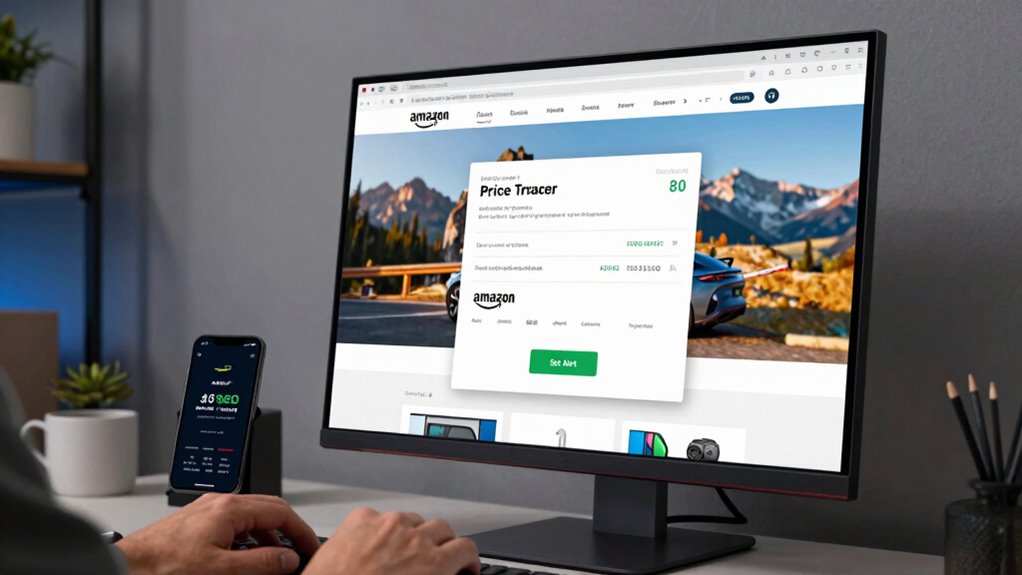
If you want to snag the best deals on Amazon, setting up price alerts is a smart move. These alerts help you monitor fluctuations in product prices, allowing you to buy at the right moment. To do this effectively, you’ll need external tools that can track prices over time and notify you when prices drop to your preferred levels. When setting up these alerts, consider your overall pricing strategies—are you looking for the lowest possible price, or do you want to buy only when a product hits a specific threshold? Having a clear goal helps you configure alerts more efficiently so you don’t get overwhelmed with notifications.
Using external tools for Amazon price alerts involves a bit of competitor analysis, too. You want to see how prices compare across different sellers and identify patterns or trends. For example, if a competitor frequently drops prices during sales, you might want to time your purchase accordingly. These tools can help you visualize price trends and spot opportunities that align with your shopping habits. Some tools even allow you to set multiple alerts for different products, so you can keep tabs on more than one item at a time. When you’re choosing a tool, look for features like automatic tracking, customizable alert thresholds, and ease of use. The more control you have over the alert parameters, the better you can tailor your pricing strategies.
Once you’ve selected a suitable external tool, you’ll need to input the product’s URL or specific details like its ASIN or keywords. The tool then begins monitoring its price history and sends you notifications when the price hits your target. This continuous monitoring is crucial because Amazon’s prices fluctuate frequently, and manual checks can be time-consuming. Digital content concepts have evolved to support long-term tracking and adaptable strategies, making it easier to stay ahead of market trends. Additionally, understanding natural fluctuations in pricing can help you set more realistic alert thresholds, preventing unnecessary notifications. Automating this process aligns with user privacy policies, ensuring your data remains secure while you track prices efficiently. Remember, the key to successful price alerts is setting realistic and strategic thresholds based on your research and competitor analysis. If you notice competitors often lower their prices during sales, plan your alerts accordingly to maximize savings.
As an affiliate, we earn on qualifying purchases.
Frequently Asked Questions
Are External Tools Free to Use for Amazon Price Alerts?
Many external tools for Amazon price alerts are free, but some offer premium features for a fee. You can use free tools for basic price comparison and seller monitoring, which work well for casual shoppers. However, if you want advanced features like detailed alerts or tracking multiple products, you might need to pay for a subscription. Always check the tool’s pricing to find one that fits your needs and budget.
How Often Do External Tools Check for Price Changes?
Ever wonder how often external tools check for price updates? Usually, these tools refresh their data every few minutes to several hours, depending on the platform and your settings. The price update frequency varies, but most offer real-time or near-real-time notifications. They typically send alerts via email, app notifications, or SMS, so you stay informed about price drops without constantly monitoring Amazon yourself.
Can I Set Alerts for Specific Sellers or Only the Lowest Price?
You can set up seller-specific alerts using external tools that support seller tracking or price fluctuation tracking features. These alerts notify you when a particular seller drops their price or when the product’s overall price fluctuates. While most tools focus on the lowest price, some allow you to monitor specific sellers, making it easier to buy from your preferred seller at the right time.
Do External Tools Comply With Amazon’s Terms of Service?
They say, “Honesty is the best policy,” but when it comes to third-party compliance, you need to be cautious. External tools often don’t fully comply with Amazon’s policies, risking account suspension. Policy restrictions limit how these tools access data, so you should verify each tool’s adherence to Amazon’s terms before use. Staying within guidelines helps you avoid penalties while still tracking prices effectively.
Can I Receive Price Alerts via Email or Only Through the App?
You can receive price alerts via email notifications or through app alerts, depending on the external tool you use. Many tools offer the option to send email alerts directly to your inbox, keeping you updated on price drops without opening the app. Alternatively, you can set up app alerts that notify you instantly on your device. Choose the method that best fits your preferences for staying informed about Amazon price changes.
Conclusion
Now that you know how to set up Amazon price alerts with external tools, the power to snag deals is in your hands. But beware—these alerts can reveal unexpected price drops just when you least expect them. Will you catch that once-in-a-lifetime deal before it slips away? Stay vigilant, because in the world of online shopping, the next big discount could be just a notification away—waiting to change everything.
Fall Picks
fall essentials
As an affiliate, we earn on qualifying purchases.