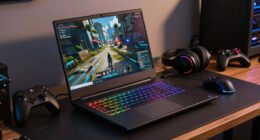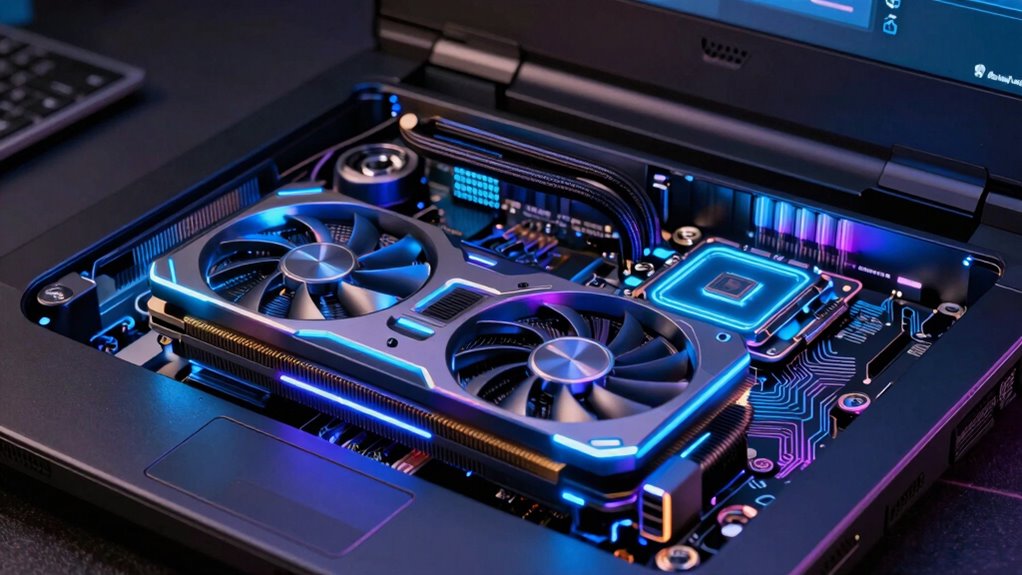
To save hundreds on a gaming laptop, you need to find the right balance between GPU and CPU. A powerful GPU improves graphics and visual quality, but if your CPU is weak, it can bottleneck performance and waste your investment. Conversely, a strong CPU ensures smooth gameplay, especially in CPU-bound games. Knowing how these components work together helps you prevent overspending on unnecessary power. Keep exploring to discover more tips on optimizing your gaming laptop purchase.
Key Takeaways
- Prioritize a balanced CPU and GPU to prevent bottlenecks and maximize gaming performance efficiently.
- Investing heavily in a high-end GPU without a suitable CPU may lead to underutilized graphics power.
- For CPU-intensive games, a strong CPU offers better value than overspending on GPU upgrades.
- Choosing energy-efficient components enhances battery life and reduces thermal issues, saving long-term costs.
- Understanding component roles helps avoid unnecessary upgrades, ensuring cost-effective, future-proof gaming setups.
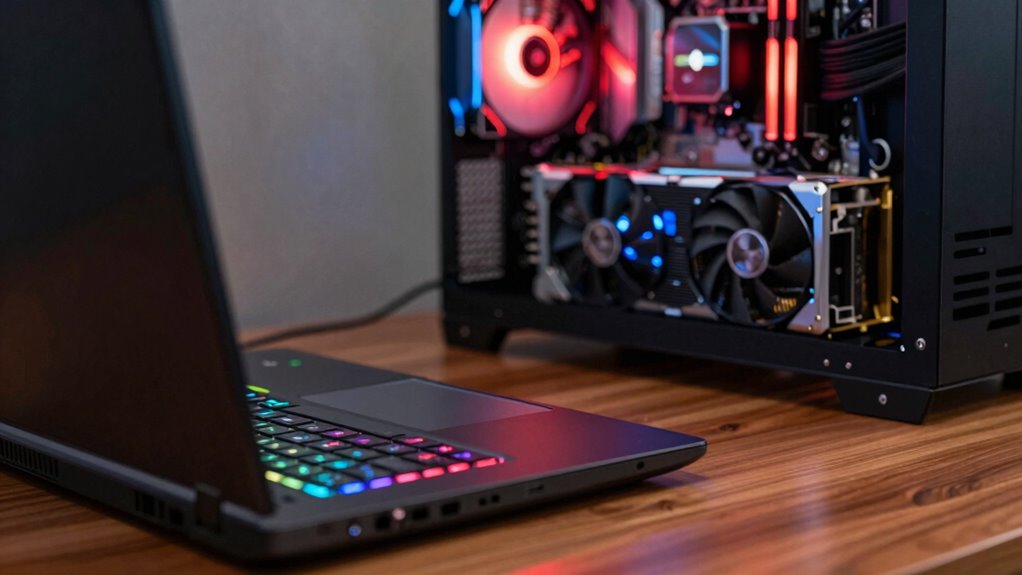
When shopping for a gaming laptop, understanding the roles of GPU and CPU can help you make smarter choices and save money. The GPU, or graphics processing unit, handles rendering visuals and graphics, directly impacting your game’s visual quality and smoothness. The CPU, or central processing unit, manages overall system tasks, game logic, and background processes. Knowing how these components influence your gaming experience allows you to prioritize what matters most for your specific needs.
Understanding GPU and CPU roles helps you choose the right gaming laptop for optimal performance and value.
If you’re after crisp graphics and seamless gameplay, investing in a powerful GPU is essential. It guarantees better graphics optimization, meaning your games look sharper and run more fluidly at higher settings. But don’t assume that a high-end GPU is always the best choice for everyone. It can considerably increase power consumption, which affects your laptop’s battery life and heat output. High power consumption isn’t just about battery drain; it can also lead to thermal throttling, where your system slows down to prevent overheating, impacting performance during long gaming sessions.
On the other hand, the CPU plays an indispensable role in overall game performance, especially in titles that rely heavily on complex calculations, physics, or AI. A strong CPU helps prevent bottlenecks, ensuring your GPU’s potential isn’t limited by processing power. For example, if your CPU can’t keep up with your GPU, your frame rates might drop, defeating the purpose of a high-end graphics card. Conversely, in less CPU-intensive games, investing heavily in a top-tier CPU might not lead to noticeable improvements, making it more cost-effective to focus on a balanced system. Additionally, selecting components with efficient power consumption can help extend your gaming sessions and maintain optimal thermal performance. Incorporating power-efficient hardware can also contribute to a quieter, cooler operation, enhancing your overall gaming experience. Moreover, understanding the performance balance between CPU and GPU can guide you toward a more tailored and cost-effective setup.
Furthermore, considering the long-term upgrades potential can help you choose components that will remain relevant as new games and technologies emerge. When choosing between a stronger GPU or CPU, consider the type of games you play. For graphically demanding titles like first-person shooters or open-world adventures, a powerful GPU makes a notable difference. For strategy or simulation games, where CPU calculations are more critical, investing in a better processor offers better value. Always consider how each component influences power consumption, especially if you want portability and longer battery life. A GPU that consumes less power while still delivering good graphics optimization can extend your gaming sessions without overheating or draining your battery rapidly.
Being aware of hardware compatibility and how different components work together can further help you build a balanced and efficient gaming setup. Ultimately, understanding this GPU vs CPU debate can save you hundreds of dollars. You avoid overspending on unnecessary components or settling for underpowered hardware that hampers your gaming experience. Making informed choices based on your gaming preferences ensures you get the best performance for your budget, without paying extra for features you won’t use.

acer Nitro V 16S AI Gaming Laptop | NVIDIA GeForce RTX 5060 GPU | AMD Ryzen 7 260 Processor | 16" WUXGA IPS 180Hz Display | 32GB DDR5 | 1TB Gen 4 SSD | Wi-Fi 6 | ANV16S-41-R2AJ
AI-Powered Performance: The AMD Ryzen 7 260 CPU powers the Nitro V 16S, offering up to 38 AI…
As an affiliate, we earn on qualifying purchases.
As an affiliate, we earn on qualifying purchases.
Frequently Asked Questions
How Does Thermal Management Differ Between Gaming Laptops With Different GPUS and CPUS?
Thermal management varies between gaming laptops with different GPUs and CPUs because of their thermal efficiency. High-performance components generate more heat, requiring advanced cooling systems like vapor chambers or multiple fans. You’ll notice that laptops with efficient cooling systems maintain lower temperatures, ensuring stable performance. Conversely, less sophisticated cooling may lead to thermal throttling, reducing performance. So, consider both thermal efficiency and cooling systems to keep your gaming laptop running smoothly.
Can a Laptop’s GPU Be Upgraded Independently of the CPU?
Only a small percentage of gaming laptops allow GPU upgrades independently—most are soldered onto the motherboard, making upgrades nearly impossible. This limits your ability to fix GPU bottlenecks without replacing the entire system. Unlike desktops, laptops often face CPU limitations that bottleneck GPU performance. If you want future-proofing, choose a model with a user-upgradable GPU or prioritize a balanced CPU-GPU setup to maximize gaming performance.
How Does Power Consumption Impact Gaming Laptop Performance and Battery Life?
Power consumption directly impacts gaming laptop performance and battery life. Higher power efficiency means your laptop can run demanding games without draining the battery quickly, giving you longer gaming sessions. When the system balances performance with power efficiency, it maintains ideal performance while preserving battery longevity. If your laptop consumes too much power, expect shorter battery life and potential overheating, which can throttle performance. Focus on power-efficient components for a better gaming experience on the go.
Are There Specific Game Genres That Favor GPU or CPU Performance?
For game genres emphasizing graphics, like shooters or racing games, a powerful GPU boosts graphics optimization and delivers smoother visuals. Conversely, strategy or simulation games often rely more on CPU performance to handle complex calculations, reducing CPU bottleneck issues. You should prioritize your GPU for visually intensive games, while a strong CPU benefits titles requiring heavy processing. Understanding this balance helps you choose components tailored to your gaming preferences.
What Are the Long-Term Upgrade Prospects for Gaming Laptops With Integrated Components?
Think of your gaming laptop as a house built on a fixed foundation. With integrated components, upgrade limitations mean you can’t easily swap out the CPU or GPU for better ones later. Long-term prospects are limited because these parts are soldered onto the motherboard. If you’re planning for future upgrades, a laptop with modular components offers more flexibility, but integrated systems are more of a one-and-done investment.

acer Nitro V Gaming Laptop | Intel Core i7-13620H Processor | NVIDIA GeForce RTX 4050 Laptop GPU | 15.6" FHD IPS 165Hz Display | 16GB DDR5 | 1TB Gen 4 SSD | Wi-Fi 6 | Backlit KB | ANV15-52-76NK
Beyond Performance: The Intel Core i7-13620H processor goes beyond performance to let your PC do even more at…
As an affiliate, we earn on qualifying purchases.
As an affiliate, we earn on qualifying purchases.
Conclusion
Remember, when choosing between a GPU and CPU for your gaming laptop, don’t put all your eggs in one basket. Focus on what matters most for your gaming style—whether it’s raw power or smooth performance. Sometimes, it’s the little things that make a big difference. Keep your eyes open and weigh your options carefully; otherwise, you might end up chasing your tail and missing out on the perfect setup that truly fits your gaming needs.

ASUS TUF Gaming A16 Laptop: AMD Ryzen 7 7445HS, 16" Full HD+ 145Hz Display, NVIDIA GeForce RTX 4050, 16GB DDR5 RAM, 512GB SSD, Backlit Keyboard, Windows 11
AMD Ryzen 7 7445HS Processor (3.2GHz)
As an affiliate, we earn on qualifying purchases.
As an affiliate, we earn on qualifying purchases.
ASUS TUF Gaming A16 Laptop: AMD Ryzen 7 7445HS, 16" Full HD+ 145Hz Display, NVIDIA GeForce RTX 4050, 16GB DDR5 RAM, 512GB SSD, Backlit Keyboard, Windows 11
AMD Ryzen 7 7445HS Processor (3.2GHz)
As an affiliate, we earn on qualifying purchases.
As an affiliate, we earn on qualifying purchases.