
Building a DIY price-tracking dashboard with free web tools can transform how you monitor market prices and stay ahead of competitors. With platforms like Google Sheets and Apps Script, you can automate data collection and gain real-time insights without costly software. But setting up an effective system requires understanding the right tools and strategies—something that might surprise you. Interested in discovering how to create a custom solution tailored to your business needs?

Get your next haul delivered free with Prime
- Fast, free delivery on millions of items
- Prime Video, Amazon Music and more included
- Member-only deals all year
Key Takeaways
- Use Google Sheets combined with Apps Script to automate product price data collection from websites.
- Set up threshold-based alerts to receive notifications when prices drop or increase unexpectedly.
- Incorporate competitor URLs into the sheet for automated price comparison and analysis.
- Connect Google Sheets to Google Data Studio for creating interactive visualizations and dashboards.
- Automate regular updates and alerts to monitor market trends and maintain competitive pricing strategies.
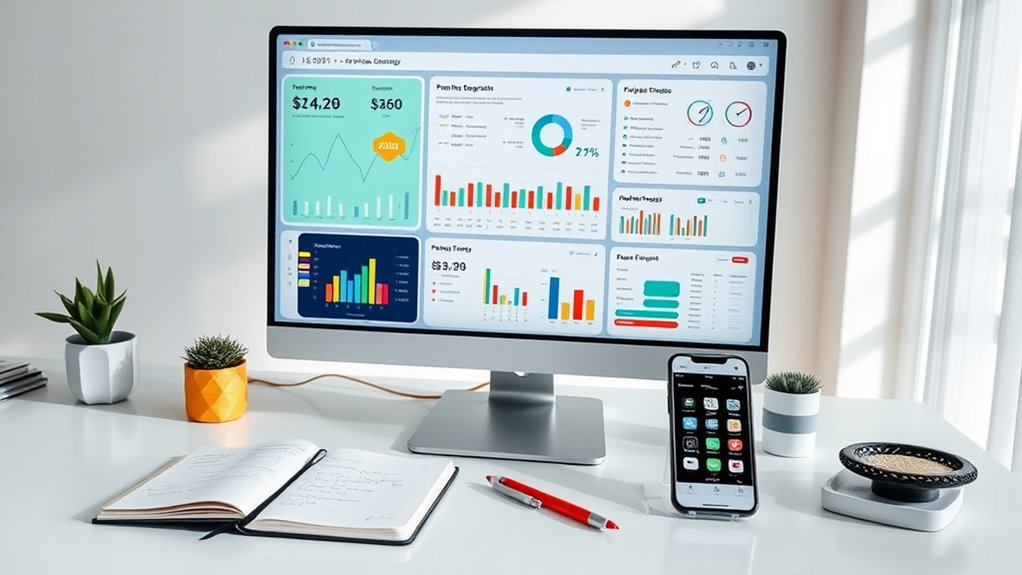
Ever wondered how to keep tabs on prices without constantly visiting multiple websites? Building a DIY price‑tracking dashboard with free web tools can be your answer. It’s an efficient way to stay updated on market trends, monitor competitors, and set up price alerts—all without spending a dime or juggling numerous tabs. By combining simple tools, you can automate data collection, analyze competitor prices, and respond quickly to changes, giving you an edge whether you’re a small business owner or a savvy shopper.
Start by choosing free web tools like Google Sheets and Google Apps Script. Google Sheets serves as your central hub for tracking prices, while Apps Script lets you automate data fetching and processing. You can write simple scripts to scrape product prices from your favorite websites or use third-party add-ons designed for price tracking. Setting up price alerts becomes straightforward—you can configure your sheet to notify you whenever a price drops below a certain threshold or rises unexpectedly. This way, you avoid missing out on deals or losing sales due to unmonitored price fluctuations.
Competitor analysis becomes easier when you structure your dashboard to compare multiple products and vendors side by side. Input the URLs of your competitors’ product pages into your sheet, and use scripts to extract current prices regularly. Over time, you’ll build a historical data set that reveals pricing patterns and trends, helping you identify when competitors are running promotions or adjusting their prices. With this insight, you can make informed decisions about your own pricing strategy, ensuring you’re competitive without constantly checking each site manually.
Moreover, you can leverage free tools like Google Data Studio to visualize your data. Connecting your Google Sheets to Data Studio transforms raw numbers into clear, interactive charts and dashboards. This visual approach makes it easier to spot trends and outliers at a glance, enhancing your ability to react swiftly to market shifts. Setting up email notifications through Google Sheets scripts allows you to receive real-time alerts about significant price changes, so you’re always in the loop without having to log in repeatedly.
Additionally, understanding market volatility and how it impacts your pricing decisions can help you adapt your strategies effectively.
Google Sheets price tracking tool
As an affiliate, we earn on qualifying purchases.
As an affiliate, we earn on qualifying purchases.
Conclusion
With this DIY price-tracking dashboard, you’ll become a pricing superhero, spotting deals faster than a speeding bullet and outsmarting competitors effortlessly. No more guesswork or missed opportunities—your market insights will be sharper than a hawk’s eyesight! By harnessing free tools like Google Sheets and Data Studio, you’ll turn data chaos into crystal-clear clarity. Get ready to dominate your niche with the power of a tech-savvy ninja—all without spending a dime!
Fall Picks
fall essentials
As an affiliate, we earn on qualifying purchases.