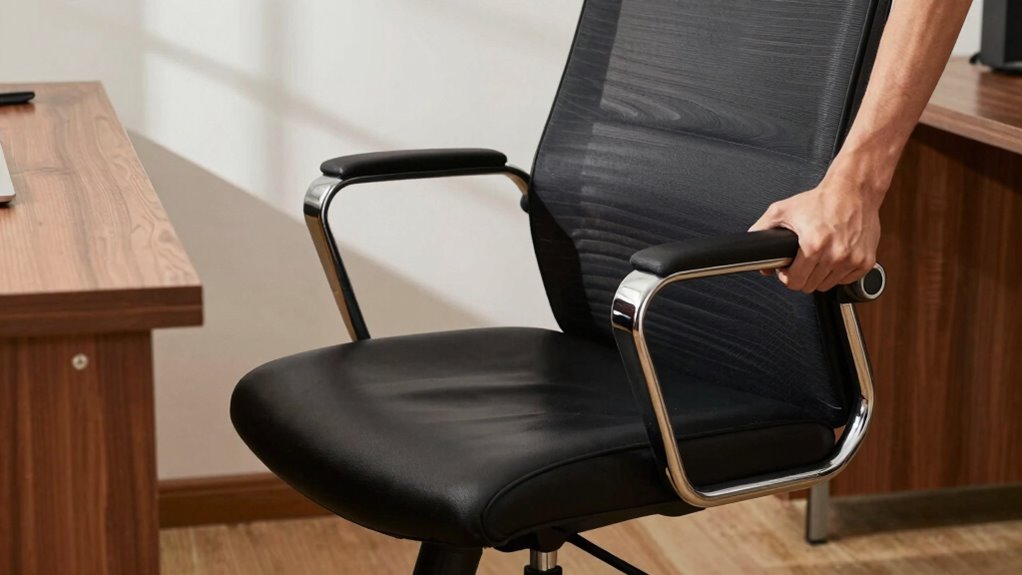

The biggest office chair mistake that can turn a deal into back pain is neglecting proper ergonomic adjustments. When you fail to set your chair height so your feet are flat and knees are at 90°, or ignore adjusting armrests to keep your shoulders relaxed, you put unnecessary strain on your back and neck. Poor alignment can lead to discomfort and long-term health issues. Keep in mind that small tweaks can make a big difference—more tips await you.
Key Takeaways
- Using an improperly adjusted chair height causes poor lumbar support and strains the lower back.
- Failing to maintain correct seat and backrest alignment leads to prolonged poor posture.
- Neglecting armrest adjustments increases shoulder tension, affecting overall spinal health.
- Ignoring body awareness and posture monitoring results in cumulative back pain over time.
- Choosing a non-adjustable or poorly fitting chair prevents ergonomic support, worsening back discomfort.

Have you ever wondered if your office chair is actually harming your posture? Many people overlook how essential proper seating is during long work hours. The mistake often lies in neglecting ergonomic adjustments that can make or break your comfort and health. Without making the right tweaks, you’re risking more than just occasional discomfort—you could be setting yourself up for persistent back pain. The key is understanding how to optimize your chair and sitting habits to support your body properly.
First, consider the importance of ergonomic adjustments. Your chair should be tailored to fit your body. Adjust the height so your feet rest flat on the floor, and your knees are bent at about 90 degrees. If your chair doesn’t have adjustable height, it’s time to get one that does. Your hips should be level or slightly higher than your knees, promoting better circulation and reducing strain. The armrests should be adjusted so your shoulders relax, and your elbows stay close to your sides. This minimizes unnecessary tension in your neck and shoulders, which often leads to discomfort that radiates down your back. Additionally, proper seating alignment is crucial for maintaining spinal health and preventing discomfort. Paying attention to ergonomic principles can further help prevent poor posture habits from developing over time. Incorporating body awareness into your sitting routine can also make a significant difference in long-term comfort, especially as research shows that posture awareness can improve overall musculoskeletal health.

TRALT Office Chair – Ergonomic Desk Chair with Adjustable Lumbar Support, Mesh Computer Chair, Executive Chairs for Home Office Comfortable Lumbar Support (Black)
Ergonomic Office Chair: Experience unparalleled support with our ergonomic office chair, designed to provide comprehensive assistance for your…
As an affiliate, we earn on qualifying purchases.
As an affiliate, we earn on qualifying purchases.
Frequently Asked Questions
How Often Should I Replace My Office Chair for Health Reasons?
You should replace your office chair every 5 to 8 years for health reasons. Over time, office chair materials can wear out, reducing support and comfort. Regularly check your chair’s height adjustments to guarantee proper ergonomics; if they become stiff or don’t lock properly, it’s time for a new one. Replacing your chair guarantees you maintain good posture, prevent back pain, and stay comfortable during long work hours.
Are There Specific Office Chair Features That Prevent Back Pain?
Yes, choosing an office chair with lumbar support and adjustable height can greatly prevent back pain. Lumbar support maintains the natural curve of your lower back, reducing strain during long hours. Adjustable height ensures you can set the seat so your feet rest flat on the floor and your knees are at a 90-degree angle. These features promote proper posture, minimize discomfort, and help you avoid long-term back issues.
Can Ergonomic Chairs Fully Eliminate Back Pain From Prolonged Sitting?
Ergonomic chairs can be your knight in shining armor, but they can’t wave a magic wand to fully eliminate back pain from prolonged sitting. While features like lumbar support and adjustable height help maintain proper posture, they still depend on your habits. Regular breaks, stretching, and correct sitting practices are essential. Even the best chair can’t replace movement, so stay active to keep your back happy and healthy.
What Are Signs My Office Chair Is Causing Long-Term Back Issues?
If your office chair lacks proper lumbar support or adjustable height, you might notice persistent lower back pain, discomfort after long hours, or a hunched posture. These signs indicate your chair isn’t supporting your spine correctly, risking long-term issues. Make sure your chair provides adequate lumbar support and allows you to adjust the height so your feet stay flat, and your back remains properly aligned during work.
How Do I Know if My Office Chair Is the Right Size for Me?
A good rule of thumb is, “If it’s worth doing, it’s worth doing right.” To know if your chair fits, check if the chair height allows your feet to rest flat on the floor, and your knees are at a 90-degree angle. Make certain lumbar support aligns with your lower back’s natural curve. If these aren’t met, your chair isn’t the right size for you.

Primy Drafting Chair Tall Office Chair with Flip-up Armrests Executive Ergonomic Computer Standing Desk Chair with Lumbar Support and Adjustable Footrest Ring (Black)
Adjustable Drafting Chair:This high rotary drawing chair has a foot stool with adjustable height, and the 90 degree…
As an affiliate, we earn on qualifying purchases.
As an affiliate, we earn on qualifying purchases.
Conclusion
If you’re not mindful of your office chair habits, you might be risking more than just discomfort—you could be causing long-term back pain. Did you know that nearly 80% of adults experience back pain at some point? By simply adjusting your chair properly and taking regular breaks, you can protect your spine and keep your focus sharp. Don’t let a small mistake turn a promising deal into a painful setback—your back will thank you.

Marsail Ergonomic Office Chair Ergonomic Gaming Chair with Lumbar Support, 2D Headrest, Adjustable Armrests, Contoured Seat Cushion, Computer Desk Chair with Wheels for Home and Office
Adjustable Lumbar Support: This ergonomic office chair is designed to align with the natural curve of your spine….
As an affiliate, we earn on qualifying purchases.
As an affiliate, we earn on qualifying purchases.

CAPOT Ergonomic Mesh Office Chair, Adjustable Lumbar High Back Desk Chair 400lbs, 4D Flip-up Arms, 3-Level Tilt Backrest, 3D Headrest, PU Wheels, Swivel Rolling Computer Seating for Long Desk Work
【STURDY, SNUG WORK CHAIR】Made for long sits over 8 hours of desk work. Micro-adjust lumbar support, flip-up arms,…
As an affiliate, we earn on qualifying purchases.
As an affiliate, we earn on qualifying purchases.