
To find product manuals and compatibility info on Amazon, look for links labeled “User Manual” or “Product Guide” in the product details or beneath main images. Check customer reviews for real-world tips and compatibility experiences, and pay attention to comments that match your setup. Trust seller ratings and Ask the seller directly if needed. If you want to learn more tips and tricks, keep exploring the details to make sure you get everything right.
Key Takeaways
- Search the product description or “Product Details” section for direct links to manuals.
- Check customer reviews for real-world compatibility tips and shared manual links.
- Verify seller ratings and responses to assess credibility and product compatibility.
- Contact sellers via Amazon messaging to request manuals or confirm compatibility details.
- Review product specifications and customer feedback to ensure proper use and fit.
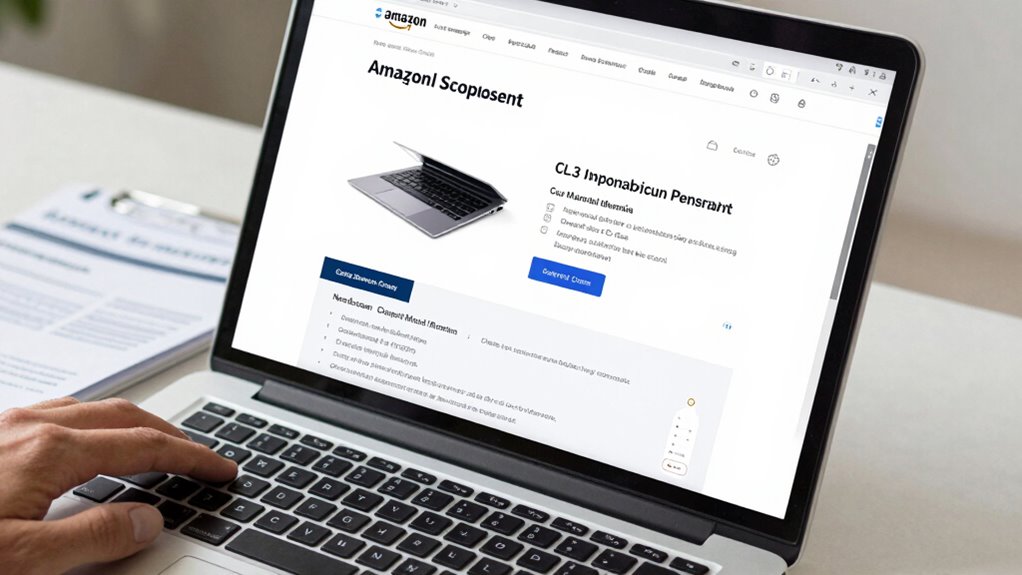
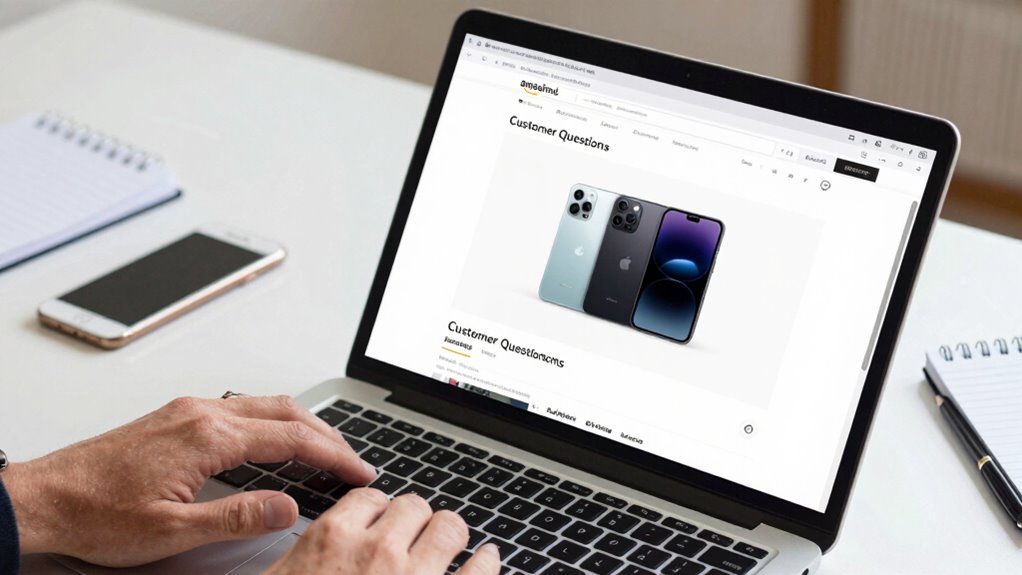
Finding product manuals and compatibility information on Amazon might seem challenging at first, but with a few simple steps, you can quickly access all the details you need. When you’re shopping for electronics, appliances, or gadgets, it’s vital to verify that the product will work with your existing setup. Luckily, Amazon provides multiple ways to find this information. Start by checking the product listing page. Usually, manufacturers upload manuals directly to the product description or the “Product Details” section. Look for links labeled “User Manual” or “Product Guide,” often found beneath the main images or in the product description. If you don’t see one there, scroll down to the “Customer Questions & Answers” section, where other buyers or sellers sometimes share useful insights or links to manuals.
Another effective way to verify compatibility is by reviewing customer reviews. Customers often mention whether the product worked with their specific devices or setups, and they might share tips or warnings that aren’t in the official manuals. Pay close attention to reviews that mention similar use cases to yours; these can provide real-world insights that official documentation might overlook. Additionally, seller ratings can give you an idea of the trustworthiness of the seller, especially if you’re buying from third-party vendors. A high seller rating indicates that previous buyers have had positive experiences, which increases your confidence in the product’s quality and the seller’s honesty. Sometimes, sellers include compatibility details in their product descriptions or respond to customer questions, so it’s worth browsing through the Q&A section.
If you’re still unsure, you can contact the seller directly through Amazon’s messaging system. Ask specific questions about compatibility or request a manual if it’s not readily available. Sellers with high ratings are more likely to respond quickly and provide accurate information. Remember, the more you research and scrutinize customer reviews and seller ratings, the better equipped you’ll be to determine whether the product suits your needs before making a purchase. By taking these steps, you’ll avoid surprises and guarantee you’re choosing a product with proper documentation and compatible features. Ultimately, a little extra effort in reviewing manuals, customer feedback, and seller credibility can save you time, money, and frustration later on. Additionally, understanding free floating concepts can help you assess how a product might integrate seamlessly into your outdoor spaces or poolside setups. Knowing how to interpret product compatibility details can further streamline your decision-making process.
Being aware of product specifications can also help you compare different models effectively and ensure you’re getting the right features for your needs.
As an affiliate, we earn on qualifying purchases.
Frequently Asked Questions
Can I Access Manuals for Discontinued Products on Amazon?
Yes, you can access manuals for discontinued products on Amazon, but availability depends on whether the seller or manufacturer has provided them. Keep in mind, product availability may be limited, and manual accuracy can vary. To find these manuals, check the product listing’s “Product Details” or “Technical Specifications” section, or contact the seller directly. If unavailable, try searching the manufacturer’s website for official manuals and compatibility info.
Are There Any Fees to Download Product Manuals From Amazon?
Imagine Amazon as a bustling library where you can access digital downloads of product manuals. You won’t face any fees to download these manuals, and they help guarantee manual accuracy for your device. Just like borrowing a book, these downloads are free and straightforward, giving you the info you need without extra cost. So, you can confidently retrieve product manuals whenever you need them, no charges involved.
How Often Are Product Compatibility Details Updated on Amazon?
Product compatibility details on Amazon are updated regularly to guarantee accuracy, often with each product update or new release. You should check the product page for the latest compatibility info, as Amazon endeavors to maintain high compatibility accuracy for customer satisfaction. These updates typically happen whenever manufacturers provide new data or when Amazon revises listings, so staying attentive to product updates will help you get the most current compatibility details.
Can I Request a Manual for a Specific Product Not Listed?
Did you know over 60% of customers rely on manuals for product setup? If a manual isn’t listed, you can request one through Amazon’s customer support. Simply contact the seller or support team, and they might provide the manual or direct you to the manufacturer. Remember, knowing the product warranty and compatibility info helps prevent issues, so reaching out for specific manuals guarantees you get the right support and guidance.
Are User Reviews Reliable for Determining Compatibility Information?
User reviews can be helpful but aren’t always reliable for compatibility info. You should consider user feedback carefully, but remember that review authenticity varies. Look for detailed reviews that mention specific compatibility issues, and check if multiple users report the same concerns. Don’t rely solely on reviews; verify compatibility details through official product manuals or manufacturer websites to guarantee accuracy before making a decision.
Conclusion
By taking a few extra moments to explore product pages, you can uncover valuable manuals and compatibility details that help you make confident choices. Think of it as gently opening a door to hidden treasures, ensuring your purchase fits seamlessly into your life. When you’re well-informed, you’re better equipped to enjoy your new product without any unexpected surprises. So, embrace the process—you’ll find that a little extra effort can lead to a much smoother experience.