
Imagine you’re managing dozens of sales deals and struggling to keep track of deadlines and stages. A well-structured deal calendar in Google Sheets can simplify this process, giving you a clear overview and real-time updates. But setting it up might seem complex at first—until you see how a simple template can transform your workflow. Here’s how to build an effective, customizable deal calendar that keeps everyone aligned and your pipeline moving smoothly.

Get your next haul delivered free — and shop member deals
- Fast, free delivery on millions of items
- Access to Prime Big Deal Days deals on October 6–7
- Prime Video, Amazon Music and more included
Key Takeaways
- Create a Google Sheet titled “Deal Calendar” with columns for deal details, dates, stages, and notes.
- Use conditional formatting and color coding to visually track deal status and deadlines.
- Add filters and sorting options to prioritize deals and manage large volumes efficiently.
- Regularly update and review the calendar for accuracy, sharing it with team members for collaboration.
- Incorporate visual cues and creative elements to motivate teams and enhance engagement in deal tracking.
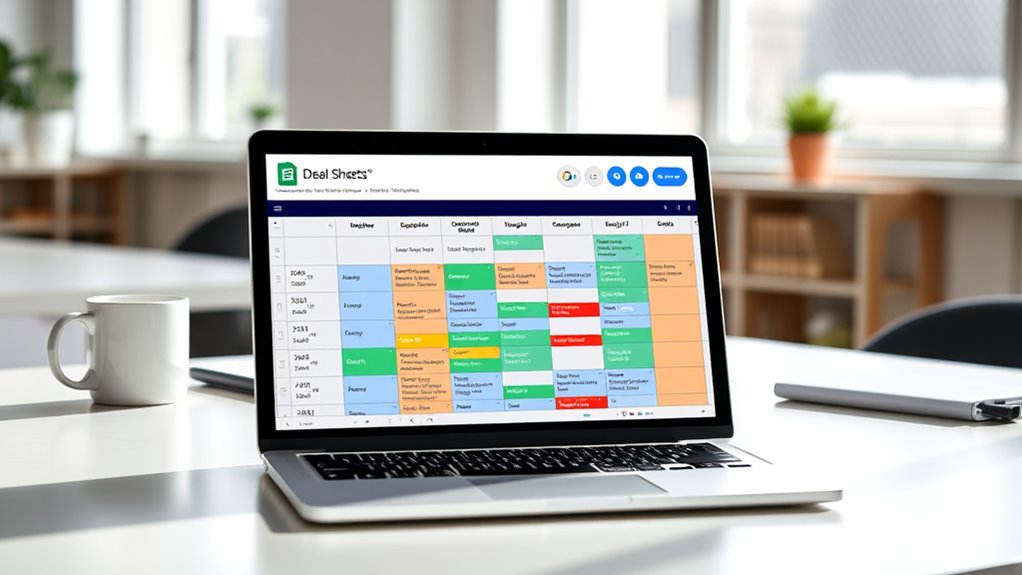
Creating a deal calendar in Google Sheets is a practical way to stay organized and track important deadlines. When managing multiple deals, it’s easy to lose sight of key milestones and deadlines without a clear system. By setting up a dedicated deal calendar, you can streamline your deal tracking process and guarantee nothing slips through the cracks. This approach makes deadline management much more straightforward, giving you a visual overview of all your ongoing negotiations and upcoming tasks.
A deal calendar in Google Sheets helps you stay organized, track deadlines, and visualize all your negotiations in one place.
Start by creating a new Google Sheet and naming it something like “Deal Calendar.” The first step is to set up columns that capture essential details for each deal. Typical columns include the deal name, client or partner, stage of the deal, start date, expected closing date, actual closing date, key milestones, and notes. You can add or remove columns based on your specific needs. For example, if you typically work with multiple teams, consider adding a column for assigned team members to facilitate collaboration.
Once your columns are set, input the details for each deal. Use consistent date formats to make sorting and filtering easier later. To enhance deal tracking, apply color coding: for instance, green for deals that are closing soon, yellow for deals in progress, and red for overdue or stalled deals. This visual cue helps you quickly identify where your focus should be, especially when juggling multiple deals at once. Regular updates are key—review and adjust your calendar weekly to reflect new developments and shifting deadlines.
Google Sheets offers built-in tools like conditional formatting, which can automatically highlight upcoming or overdue deadlines. You can also set reminders through Google Calendar that sync with your deal calendar, ensuring you get notified as deadlines approach. Filters and sorting functions are invaluable for managing large volumes of deals. For example, filtering by stage or closing date helps you prioritize your actions, ensuring you’re always aware of the most urgent tasks.
A well-structured deal calendar isn’t just a static record; it’s a dynamic tool that supports effective deadline management. By keeping your deal tracking organized and up to date, you reduce last-minute surprises and make more informed decisions. Additionally, sharing this Google Sheet with your team fosters transparency and collaboration, so everyone stays aligned and informed about deal progress. Building this calendar doesn’t require advanced skills—just a clear layout, consistent updates, and leveraging Google Sheets’ features. Over time, it becomes an invaluable resource that keeps your deals on track and your deadlines under control, helping you close deals more efficiently and with less stress. Incorporating best practices from anime and animated movies can also inspire creative ways to visualize your progress and motivate your team.
Google Sheets deal tracking template
As an affiliate, we earn on qualifying purchases.
As an affiliate, we earn on qualifying purchases.
Conclusion
Think of your Google Sheets deal calendar as a well-tuned dashboard, guiding you through your sales journey with clarity and precision. By customizing and leveraging features like color coding and filters, you keep your pipeline flowing smoothly. With everyone on the same page, your team can navigate obstacles effortlessly and close deals faster. Keep this calendar updated, and watch your sales pipeline transform into a powerful engine driving your success forward.
Fall Picks
fall essentials
As an affiliate, we earn on qualifying purchases.