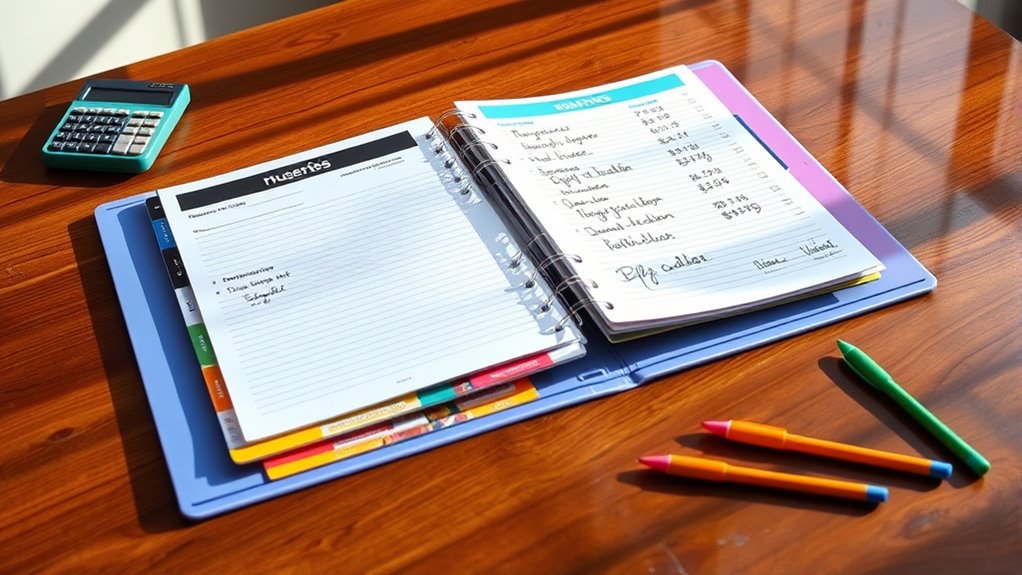

To create an Amazon household budget binder with coupon sections, start by selecting a sturdy binder and organizing it into sections for goals, expenses, and coupons. Use printable templates for tracking fixed and variable expenses, and add clear zippered pockets or sleeves for coupons sorted by categories. Regularly update everything to stay on track, celebrate progress, and find ways to improve your system. Keep going, and you’ll discover ways to boost your savings and streamline your finances.

Get your next haul delivered free — and shop member deals
- Fast, free delivery on millions of items
- Access to Prime Big Deal Days deals on October 6–7
- Prime Video, Amazon Music and more included
Key Takeaways
- Incorporate labeled sections for budget planning, expense tracking, and coupon organization within the binder.
- Use printable templates for goal setting, monthly reviews, and expense logs to ensure consistency.
- Allocate dedicated pockets or envelopes for storing coupons, receipts, and coupons sorted by categories.
- Regularly update and review the binder to track savings, adjust budgets, and manage coupon expiration.
- Include visual cues and clear labels to make navigation easy and keep materials organized and accessible.
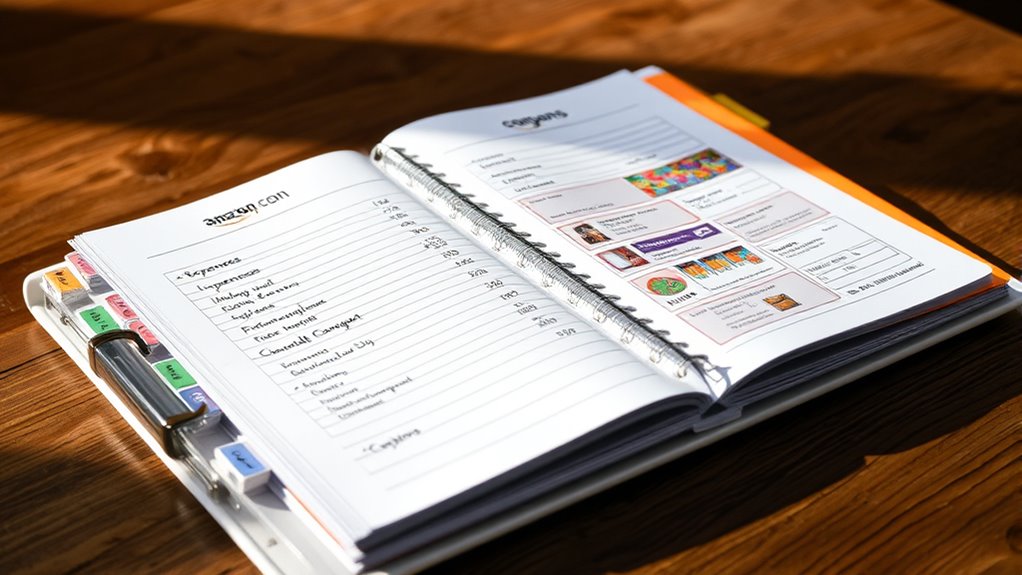
Have you ever wondered how to get a better handle on your household finances? Creating an Amazon household budget binder with coupon sections is a smart way to stay organized and maximize your savings. This binder serves as your central hub for tracking expenses, setting goals, and storing coupons. Start with a cover page to personalize your binder and make it easy to identify. Inside, add a goal setting sheet to outline your financial targets for the year—whether paying off debt, saving for a vacation, or building an emergency fund. Clear goals help you stay motivated and keep your spending aligned with your priorities.
Create a personalized household budget binder with goal sheets and organized coupons to boost your savings and financial control.
Next, include pages dedicated to tracking recurring expenses like your mortgage, car payments, and utilities. These costs tend to stay relatively stable each month, so recording them consistently provides a clear picture of your fixed expenses. Alongside these, add pages for variable expenses such as groceries, dining out, and gas. Monitoring fluctuating costs allows you to identify patterns, spot areas where you can cut back, and find opportunities to save. Use charts or logs to keep a running balance of your monthly expenditures, making it easier to see where your money is going. Incorporating financial management techniques can further enhance your budgeting effectiveness.
A critical part of this binder is the section for coupons. Allocate a specific space for storing coupons, sorted by categories such as groceries, household items, and personal care. Regularly update this section with new inserts to ensure you’re always ready to maximize savings. Use clear sleeves or folders to protect coupons and keep them organized. Track your coupon usage alongside your related expense categories to measure how much you’re saving. Expired coupons should be removed or stored separately to prevent clutter and confusion.
In addition to storing coupons, keep a monthly check-in page to review your spending, compare actual expenses with your planned budget, and adjust as needed. This routine helps you stay accountable and make informed decisions for the upcoming month. Conducting these reviews allows you to celebrate successes, identify overspending, and refine your financial goals. Be sure to print new tracking sheets each month for accurate recordkeeping and to stay current with your spending habits. This regular review process can also motivate you to stick to your budget and recognize your progress over time. Utilizing digital tools or apps can complement your physical binder and provide real-time updates on your financial status.
Finally, make your binder visually appealing and organized by clearly labeling sections and using printable templates for consistency. Including pockets or envelopes for receipts and coupons keeps everything accessible. Regular updates and reviews help you stay engaged and improve your budgeting skills over time. By creating a well-organized Amazon household budget binder with dedicated coupon sections, you’ll gain control over your finances and enhance your ability to save effectively.
household budget binder with coupon organizer
As an affiliate, we earn on qualifying purchases.
As an affiliate, we earn on qualifying purchases.
Frequently Asked Questions
How Do I Customize My Budget Binder for Different Household Needs?
You can customize your budget binder by tailoring sections to your household’s specific needs. Include core sheets like expense trackers, savings goals, and bill schedules. Add specialized tools such as coupon organizers or meal planners. Personalize the layout with decorations or themes that motivate you. Adjust complexity based on your financial knowledge, simplifying for beginners or adding detailed trackers for advanced budgeting. Regularly review and update sections to stay aligned with your evolving household priorities.
What Are the Best Tools to Organize Coupons Effectively?
The best tools to organize coupons effectively include 3-ring binders with clear sleeves, so you can easily see and access coupons. Index file boxes or expanding files help categorize and store coupons compactly. Envelopes are great for small collections or quick trips, while coupon wallets provide portability. Digital tools like smartphone apps and online platforms also streamline organization, letting you track expirations, match deals, and keep everything accessible and up-to-date efficiently.
How Often Should I Update My Household Budget Binder?
You should update your household budget binder regularly to stay on top of your finances. Monthly updates help track expenses and adjust for income changes. For households with fluctuating income or expenses, weekly or bi-weekly updates keep things accurate. Quarterly reviews give a broader look at spending habits, while annual assessments help set long-term goals. Regular updates guarantee your budget remains aligned with your financial situation and goals.
Can I Include Digital Coupons in My Binder?
Yes, you can include digital coupons in your binder. While you can’t store the codes physically, you can print out digital coupons, QR codes, or URLs for quick access. Keep track of expiration dates, sources, and savings in dedicated sections. Regularly update your binder to include new offers, and use notes or printed references for easy redemption. This way, digital coupons become a seamless part of your budgeting system.
How Do I Track Ongoing Savings With Coupons Over Time?
Imagine your savings journey as a steady river carving its path through time. To track your ongoing coupon savings, you’ll want to record each use with clear labels, noting the date, coupon value, and amount saved. Regularly review your logs weekly and monthly, like checking your river’s flow. Use spreadsheets or apps to automate reminders, ensuring your savings streak stays vibrant and unstoppable.
Conclusion
Creating an Amazon household budget binder with coupon sections helps you stay organized and save money. Did you know that households using coupons save an average of $1,400 annually? By implementing this system, you’re not only managing your finances more effectively but also boosting your savings potential. Stay consistent, update your binder regularly, and watch your savings grow. Take control of your budget today—you’ll be surprised at how much you can save!
Fall Picks
fall essentials
As an affiliate, we earn on qualifying purchases.