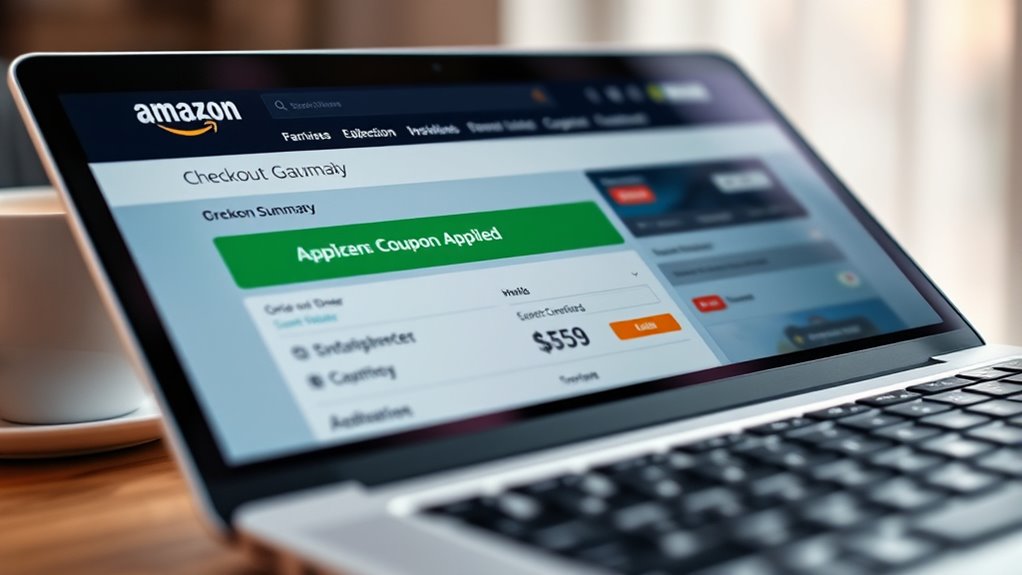

To check if your Amazon coupon has been applied, review the order summary during checkout. Look for phrases like “Coupon applied” or “Discount,” and verify that the total has decreased by the expected amount. You can also confirm if a specific discount line item appears. If you don’t see the savings, make sure you followed the right steps and that the coupon is still valid. Keep going for more tips on confirming your discounts.
Key Takeaways
- Confirm the coupon appears as applied in the order summary before finalizing purchase.
- Check for a “Coupon applied” or “Discount” indicator during checkout.
- Verify the final total reflects the expected discount amount or percentage.
- Review the itemized costs in the confirmation email for applied savings.
- Ensure the coupon code is valid and active if discounts do not appear.
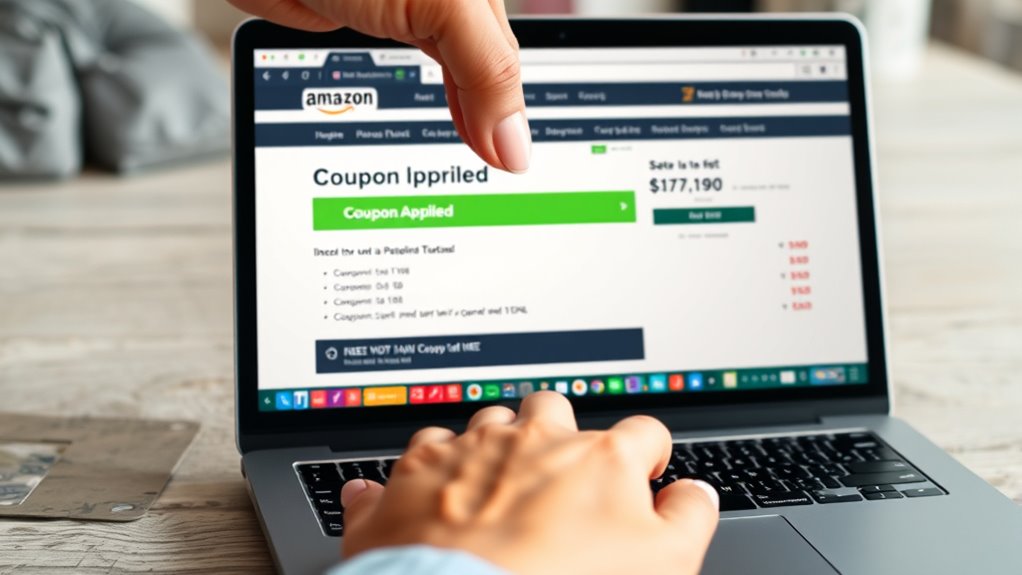
When shopping on Amazon, taking a moment to check for coupons at checkout can lead to significant savings. It’s easy to overlook, but verifying if a coupon code has been applied correctly can make a noticeable difference in your total. After adding items to your cart, proceed to checkout as usual. Keep an eye on the order summary page, where Amazon displays your items, shipping info, and payment details. Here, you’ll see a specific section for discounts or savings, which confirms if a coupon has been successfully applied.
One of the most straightforward ways to guarantee you’re getting the deal you expected is to look for the “Coupons” section on the product page before checkout. Amazon often highlights available coupons right above the product images. When you click on these coupons, they get added automatically during checkout. Sometimes, you’ll see a checkbox or a button that says “Apply Coupon”—make sure to click it! This action guarantees the discount gets registered with your order.
Check the “Coupons” section on Amazon product pages and click “Apply Coupon” to ensure discounts are registered.
During checkout, double-check the order summary for any applied coupon codes. If you entered a code manually or used a promo link, Amazon typically shows a line item indicating the discount. Look for phrases like “Coupon applied” or “Discount.” If you don’t see any mention of the coupon, it’s worth verifying whether the code was entered correctly in the “Promo Code” box, often found in the payment section. Typing errors or expired codes can prevent discounts from applying, so it’s vital to confirm the code’s accuracy and validity.
Another key step in discount verification is reviewing the final total before confirming your purchase. A successful coupon application should reduce the overall amount, sometimes by a fixed dollar amount or a percentage. If the discount isn’t reflected, go back to the order details to check if the coupon was applied during the checkout process. If it wasn’t, try re-entering the coupon code or reapplying the coupon from the product page. Sometimes, refreshing the page or restarting the checkout process helps guarantee all discounts are properly applied.
Finally, after completing your order, keep an eye on your confirmation email. Amazon’s receipt will itemize the costs and any discounts applied. If you notice a discrepancy or if a coupon didn’t work as expected, you can reach out to Amazon customer service for assistance. They can verify whether the coupon code was valid and explain why it might not have been applied. In short, diligent discount verification at checkout helps you maximize savings and avoid surprises after your purchase. Being aware of promo code validation can help prevent issues with unrecognized or expired coupons.
Frequently Asked Questions
Can I Combine Multiple Amazon Coupons on One Purchase?
No, you can’t combine multiple Amazon coupons on one purchase due to coupon restrictions. Amazon generally doesn’t allow coupon stacking, meaning only one coupon can be applied per order unless specified otherwise. Always read the coupon restrictions carefully, as some coupons may exclude certain items or offers. If you try to use multiple coupons, only the first valid one will be applied, so plan your discounts accordingly.
Why Isn’t My Amazon Coupon Discount Showing at Checkout?
Your Amazon coupon discount might not display at checkout because of restrictions on certain coupon codes or if the items in your cart don’t meet the coupon’s terms. During the checkout process, double-check that you’ve entered all coupon codes correctly and that the items qualify for the discount. If the coupon isn’t applying, review the coupon details and confirm you’re following the specific conditions, like minimum purchase amounts or product categories.
How Do I Know if a Coupon Has Expired Before Checkout?
To know if a coupon has expired before checkout, check the coupon’s expiration date on the offer details. You can also verify the coupon’s validity by reviewing the terms and conditions or clicking the coupon link. If the coupon is no longer available or shows an expiration message, it’s expired. Always verify coupon expiration and check coupon validity ahead of time to ensure you get your discounts before completing your purchase.
Will My Coupon Still Apply After Adding Items to the Cart?
Think of your cart as a garden; adding items doesn’t automatically water the discounts. Your coupon’s validity depends on if it’s still active and applicable to the new total. Usually, coupons remain valid after cart updates, but some might expire or become invalid if you change your selections considerably. Always double-check your savings at checkout, ensuring your coupon still applies before completing your purchase.
Are There Any Restrictions on Using Coupons on Certain Products?
Yes, there are restrictions on using coupons on certain products. Amazon’s coupon limitations often exclude specific items due to product exclusions or brand restrictions. Before applying a coupon, you should check the product details or the coupon terms to see if it’s valid for that item. Keep in mind that if a product is excluded, the coupon won’t apply, even if it appears eligible at checkout.
Conclusion
Now that you know how to verify your Amazon coupon savings at checkout, you can shop with confidence, knowing you’re maximizing every deal. Double-checking your discounts guarantees you’re not missing out on incredible savings that could rival finding a hidden treasure. Remember, a quick glance at your order summary can save you from leaving money on the table. Stay vigilant, and let those coupons work their magic, turning your shopping cart into a vault of unbeatable bargains!