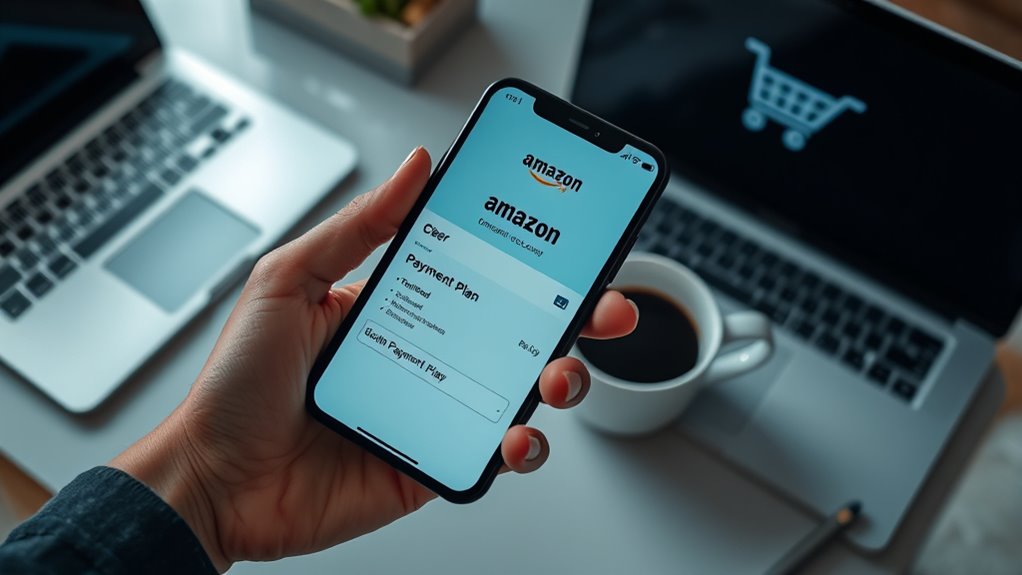

To use Amazon’s Monthly Payment Plan, choose eligible items during checkout and see if the payment plan option appears, usually for purchases over a minimum amount like $50. Select your preferred installment period, such as 3 to 12 months, and review the upfront costs, interest, and fees. The process involves a quick approval with a soft credit check. Keep exploring to discover more tips on maximizing this flexible payment method.
Key Takeaways
- Select eligible items during checkout that qualify for the Monthly Payment Plan.
- Choose a payment plan option, typically between 3 to 12 months, with clear installment details.
- Complete a quick, soft credit check to get approved without impacting your credit score.
- Review the total costs, including interest and fees, before confirming your payment plan.
- Make monthly payments on time to effectively buy now and pay later using Amazon’s plan.
If you’re looking to make large purchases on Amazon more manageable, the Amazon Monthly Payment Plan could be a great option. This plan allows you to split the cost of qualifying items into smaller, more affordable monthly payments, giving you the flexibility to buy now and pay later. It’s especially helpful if you’re aiming to maximize credit card rewards, since some credit cards offer points, cashback, or other perks for purchases made through Amazon. By spreading out payments, you can take advantage of these rewards without straining your monthly budget. Plus, the plan provides a straightforward financing option that’s easy to understand and manage, making it appealing even if you’re new to buy now, pay later arrangements. Additionally, understanding ambient‑light playbooks can help you optimize your home theater investments by choosing the right projection and screen setups that work well with flexible financing options.
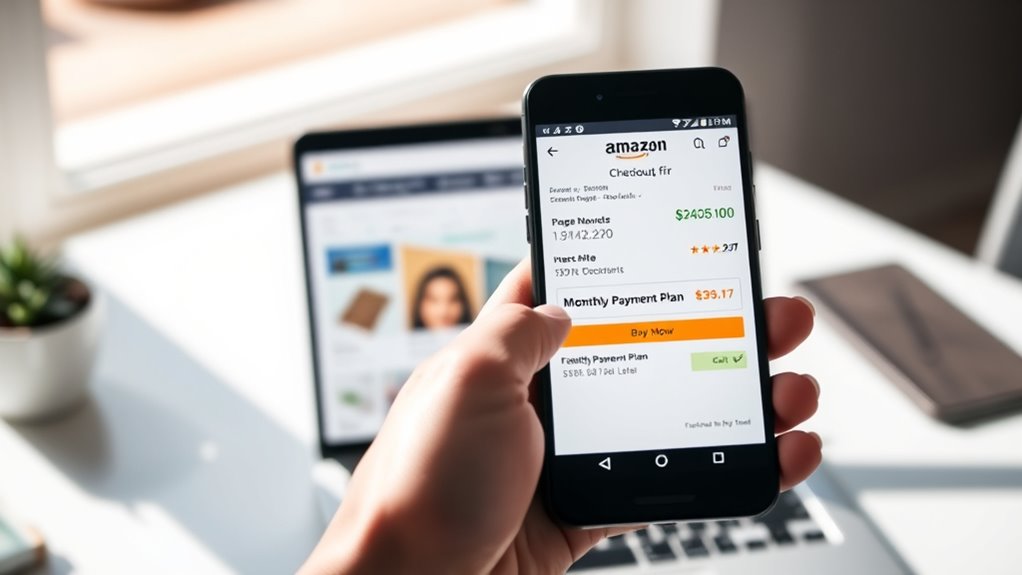
To get started, you’ll need to select eligible items that qualify for the Amazon Monthly Payment Plan. During checkout, if your order meets the minimum purchase amount—usually around $50—you’ll see an option to split the payment into monthly installments. Amazon partners with financing providers like Affirm, which handles the installment payments. When you choose this option, you’ll be prompted to complete a quick approval process, often requiring only a soft credit check that doesn’t impact your credit score. Once approved, you can select a payment plan—typically ranging from 3 to 12 months—depending on the total purchase price and the available options. The plan provides clear details about the monthly installment amount, the total interest or fees involved, and the repayment schedule, so you know exactly what to expect.
Using financing options like the Amazon Monthly Payment Plan helps you avoid large upfront costs and manage your cash flow more effectively. Instead of paying the full amount immediately, you distribute payments over several months, which can free up funds for other expenses or savings. Keep in mind, though, that some plans may include interest or fees, especially if you choose longer repayment periods. It’s important to review these details beforehand to make sure the plan remains cost-effective for you. Also, using a credit card in combination with this plan can further enhance your rewards, making your purchases even more beneficial.
Frequently Asked Questions
Can I Use Amazon’s Monthly Payment Plan Internationally?
Yes, you can use Amazon’s monthly payment plan internationally if the product is eligible for global shipping and you’re located in a country with international eligibility. Keep in mind, not all items or regions qualify, so check the product details and shipping options. Confirm your payment method is accepted internationally, and verify if the plan applies to your specific location before making a purchase.
Are There Interest Charges on Amazon’s Monthly Payment Plan?
Yes, there are interest rates on Amazon’s monthly payment plan, but they vary depending on the purchase and your credit options. You should verify the specific repayment terms for your installment plan, as some plans may have interest charges while others might not. Always review the details before committing, so you understand any potential interest charges and ensure you can comfortably meet the repayment terms.
How Do I Qualify for Amazon’s Monthly Payment Plan?
You qualify for Amazon’s Monthly Payment Plan if you have a good credit score and a positive purchase history on Amazon. The system reviews these factors automatically when you choose the plan at checkout. Make sure your account information is up-to-date, and you’ve made recent purchases without issues. Having a solid credit background and a consistent buying record increases your chances of qualifying easily for the plan.
Can I Cancel or Modify My Payment Plan After Purchase?
Yes, you can cancel or modify your payment plan after purchase. To do a payment plan cancellation or modify payment terms, go to your Amazon account and select ‘Your Payments’ or ‘Manage Payments.’ From there, you can review your current plan, make changes, or cancel it if needed. Keep in mind that some plans may have specific restrictions, so check the details before making adjustments.
What Items Are Eligible for Amazon’s Monthly Payment Plan?
Imagine browsing Amazon’s vast selection, your cursor hovering over a potential purchase. Items eligible for Amazon’s monthly payment plan include a wide range of products like electronics, appliances, and furniture, satisfying their eligibility criteria. You’ll find installment options clearly marked on eligible product pages. Keep in mind, eligibility criteria guarantee your items qualify, so check details before you buy. This way, you can plan your payments smoothly and confidently.
Conclusion
Now that you know how Amazon’s Monthly Payment Plan works, you can shop smarter and manage your budget better. Imagine yourself picking out that big purchase, knowing you won’t have to pay everything upfront. Doesn’t it feel good to have flexibility without the stress? With just a few clicks, you’re all set to enjoy your new items now and pay later. Ready to make your shopping experience more convenient and budget-friendly?