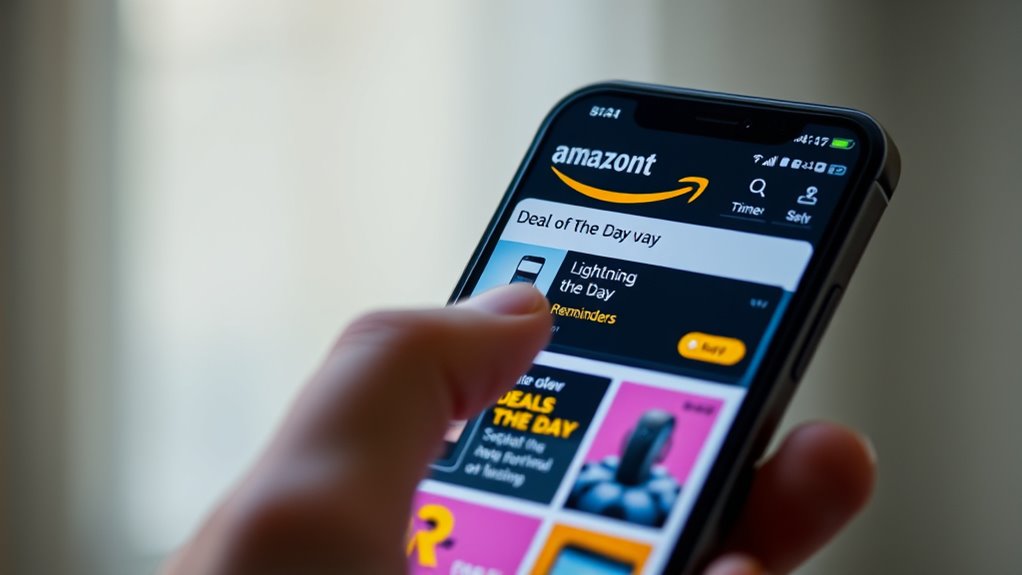

To see upcoming Amazon Lightning Deals and set reminders, start by checking Amazon’s Today’s Deals and Lightning Deals pages regularly. Use deal tracking tools or apps that notify you when a deal is about to go live or drop in price. Enable push notifications and email alerts through Amazon or third-party apps for real-time updates. Following Amazon on social media or subscribing to their deal newsletters can also give you early hints. Continue exploring for even more tips to stay ahead.
Key Takeaways
- Use Amazon’s “Upcoming Deals” section or deal calendar to preview scheduled Lightning Deals.
- Enable notifications in the Amazon app or website for specific products or categories.
- Utilize third-party deal tracking apps to get alerts about upcoming Lightning Deals.
- Subscribe to Amazon’s deal newsletters and follow their social media for early deal announcements.
- Set reminders with calendar apps or deal tools to prepare for deal start times and act quickly.
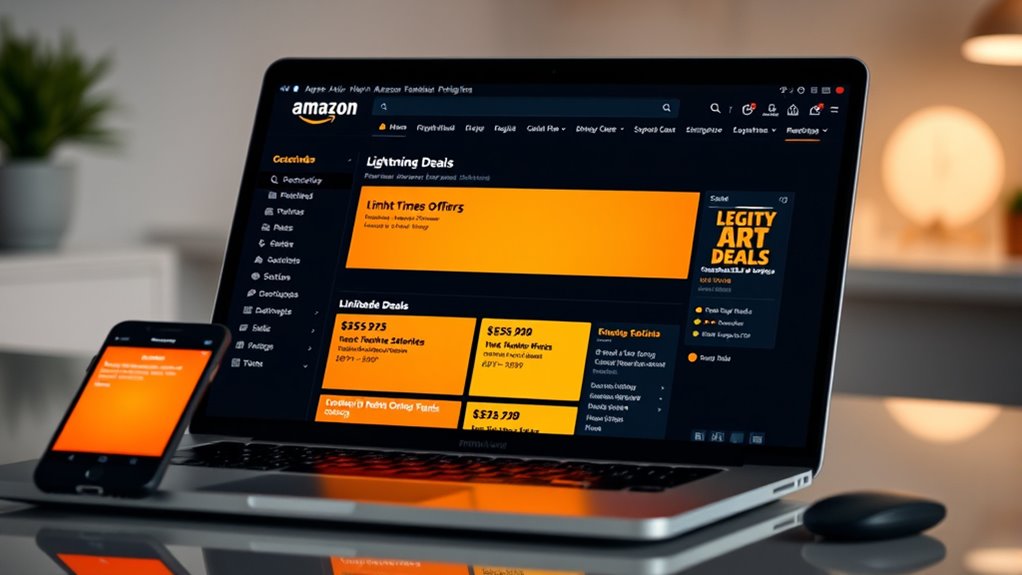
Ever wondered how to spot Amazon Lightning Deals before they disappear? The trick lies in effective deal tracking and setting up reliable notification alerts. Amazon Lightning Deals are time-sensitive discounts that can sell out quickly, so staying ahead requires a strategic approach. First, familiarize yourself with Amazon’s dedicated Lightning Deals page or the Today’s Deals section. Regularly visiting these pages is essential, but you’ll want to go a step further by using deal tracking tools or apps. These tools monitor specific products or categories, alerting you the moment a Lightning Deal is about to go live or if a deal drops in price unexpectedly. Many of these apps allow you to customize alerts for your favorite items, ensuring you don’t miss out on discounts you care about most.
To leverage deal tracking effectively, consider setting up notification alerts on your devices. Amazon offers built-in alert options, like email notifications or push alerts through the app, which can notify you when a Lightning Deal starts or if a deal is about to end. You can also enable alerts for specific products or categories, giving you real-time updates that match your shopping interests. Many third-party deal tracking apps integrate with Amazon and other shopping platforms, providing even more tailored notifications. These apps often feature countdown timers, so you know exactly how long the deal will last, helping you decide whether to act quickly or wait for better offers.
Additionally, understanding the refresh rate of projectors can help you determine the best model for fast-paced gaming or movies, ensuring smooth visuals during action scenes.
Another tip is to follow Amazon’s social media channels or subscribe to their deal newsletters. Amazon frequently announces upcoming Lightning Deals via email or social media, offering early hints about deals to come. Some deal tracking tools also have calendar features that highlight scheduled deals, so you can plan your shopping around those times. Combining these methods creates a thorough system that keeps you informed and prepared. When you receive a notification alert about an upcoming Lightning Deal, act fast. Stock can run out quickly, so having a plan beforehand—like adding items to your cart or wishlist—can save you precious seconds.
Top picks for "upcom amazon lightn"
Open Amazon search results for this keyword.
As an affiliate, we earn on qualifying purchases.
Frequently Asked Questions
Can I See Upcoming Lightning Deals Before They Go Live?
Yes, you can see upcoming lightning deals before they go live by signing up for early deal alerts and using deal countdown timers. Amazon offers notifications and alerts on its app and website, helping you stay informed about upcoming deals. By monitoring deal countdown timers and subscribing to alerts, you can plan your shopping and snag those limited-time discounts before they disappear.
Are Lightning Deals Available on the Amazon Mobile App?
Lightning deals are fully available on the Amazon mobile app, and you’ll love how easy it is to stay in the loop! The app’s mobile features include lightning deal notifications that alert you the moment a deal goes live, so you never miss out. With just a few taps, you can browse upcoming deals, set reminders, and snag those jaw-dropping discounts, making shopping faster and more exciting than ever.
How Accurate Are Lightning Deal Start Times?
Lightning deal start times are generally quite accurate, but keep in mind that deal timing can sometimes shift slightly due to technical issues or high traffic. You should rely on Amazon’s official deal countdowns for the best accuracy. To stay ahead, check the deal timing regularly, and set reminders so you don’t miss out, especially during popular sales. This way, you’ll maximize your chances of snagging those limited-time discounts.
Can I Filter Lightning Deals by Category or Brand?
You can absolutely filter lightning deals by category or brand—it’s like having a superpower! Just head to the Lightning Deals page, then use the filter options to narrow down your search. Deal filtering makes it easy to find exactly what you want, whether it’s a specific brand or a favorite category. This way, you save time and only see the deals that truly matter to you.
Is There a Way to Get Notified for Specific Lightning Deals?
Yes, you can get notified for specific lightning deals through deal notifications and deal tracking tools. Sign up for Amazon’s deal alerts or use third-party apps that track deals based on your preferences. These tools notify you when a deal matching your interests goes live, helping you stay ahead. Enable notifications on your device and customize your deal tracking settings to guarantee you never miss a lightning deal again.
Conclusion
Now that you know how to spot Amazon lightning deals and set reminders, you’ll never miss out on those exciting bargains. Think of it as wielding a secret weapon in your shopping arsenal—turning anticipation into savings. With just a few clicks, you’re poised to catch those fleeting deals before they vanish into the digital ether. So go ahead, stay vigilant, and make the most of every lightning deal—because in the world of shopping, timing is everything.